
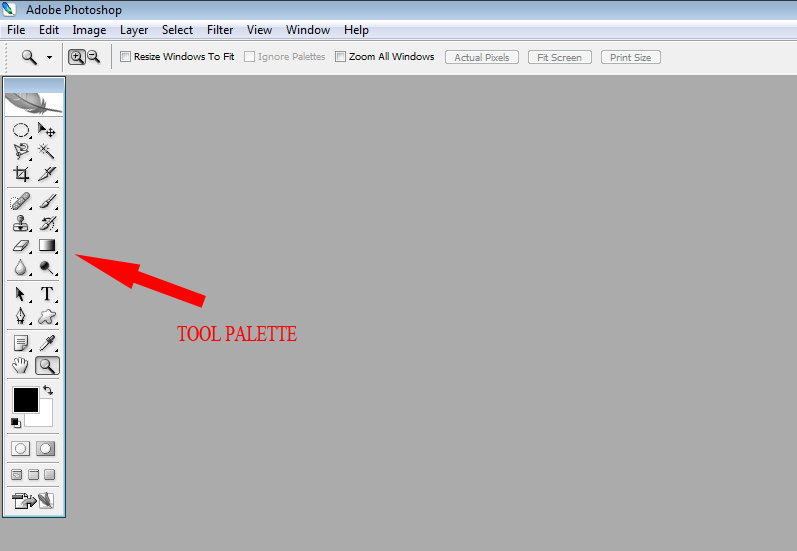
This is the heart of it. By default it will be top left but you can move it where you like it. This might be one of the big reasons why you would like to invest in a bigger screen so you can move them all over the show and place them where you like them.
When we start working with images at large zoom numbers and the palettes come into play I am sure you will understand why I lust over a 30 inch display.
Have a good look at the tool palette and hover the mouse over all the icons in it. You will note little black triangles bottom right at most of the tools in the palette. These indicate more tools behind the front one being displayed

What we have here is a portion of the tool palette and the red arrow points to the history brush tool. Hover the mouse over it and the name will appear in a little text field roll-over next to the tool. Note the little black triangle below the tip of the red arrow. This is your cue that there are two to three similar tools behind the one on display.
Right-click on the front tool to see the rest of the group.
No comments:
Post a Comment